





Make the post.
Post it everywhere.
Post Ripple helps you make short videos and slideshows with AI. Then it posts them to TikTok, Reels, Shorts, X, and LinkedIn from one calendar. Make short videos and slideshows with AI. Post them to TikTok, Reels, Shorts, X, and LinkedIn from one calendar.
No credit card. Cancel anytime.
One post, five feeds
Make it once.
Watch it ripple.
Drop a post on the calendar. Each app gets its own caption and its own time. No re-uploading. No jumping between five apps.
- 1 Make a video or slideshow in the studio
- 2 Pick your apps and your times
- 3 Post Ripple posts it for you
Everything you need to post every day.
See all featuresVideos, slideshows, and AI characters
Five kinds of short posts in one studio. Keep the same face in every post.
PlanOne calendar for every app
Drag posts onto the week. Fill a whole week at once, or let AI do it.
GrowRemake what already works
Save a post that took off. See why it worked. Make your own version.
Running on Post Ripple
We use it on our own brands, every day.
Nothing here is a mockup. These four brands post with Post Ripple. Hooks, character videos, and carousels, all from one calendar.

2 Man
A social app for you and your best friend.

MyStack
A health app with an AI spokesman.
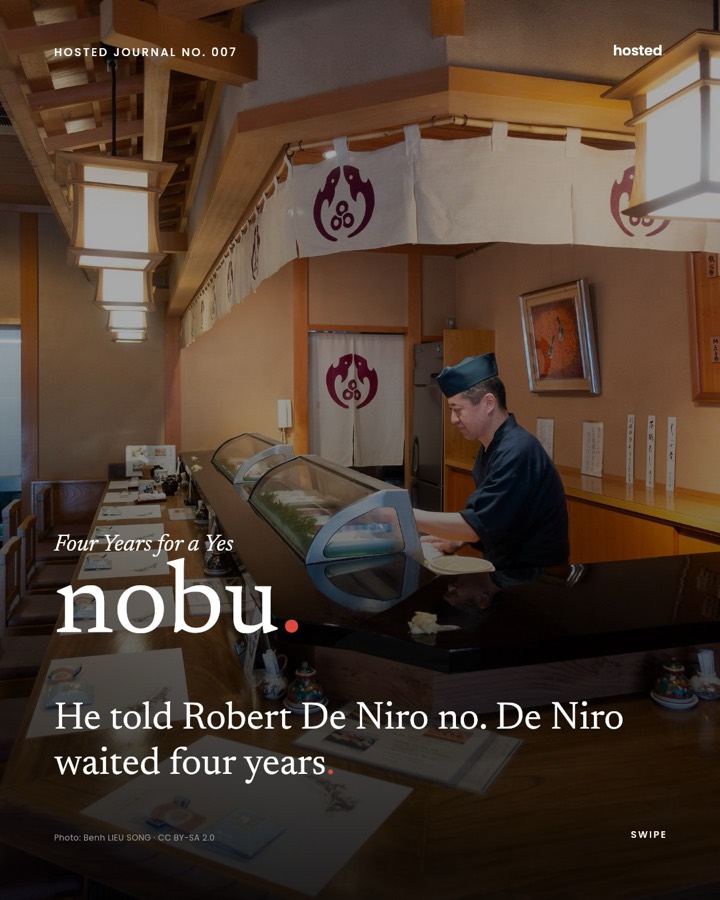
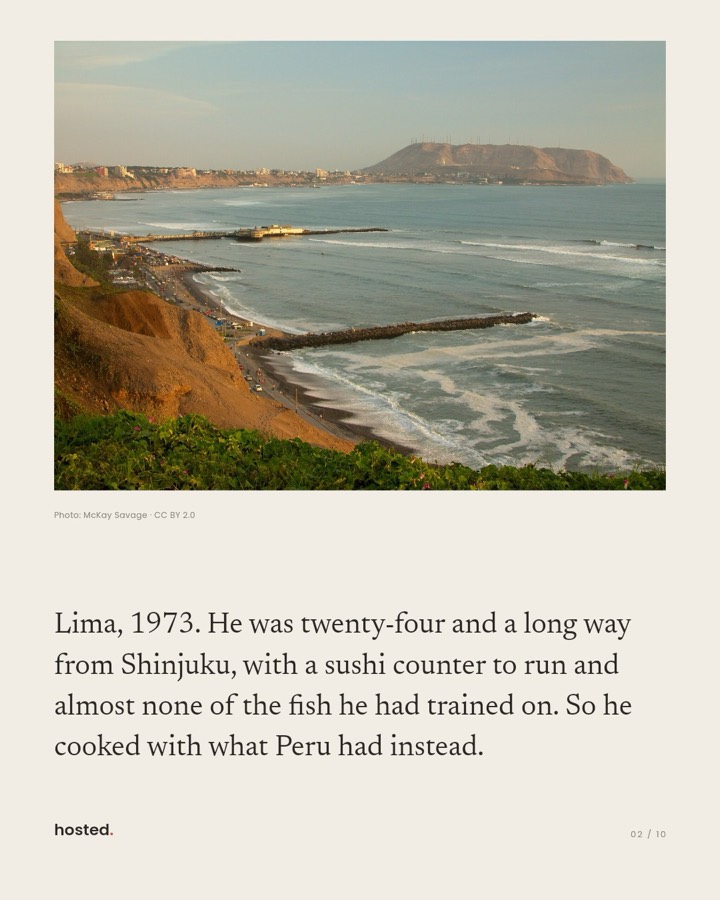
Hosted
A private dining club in LA.
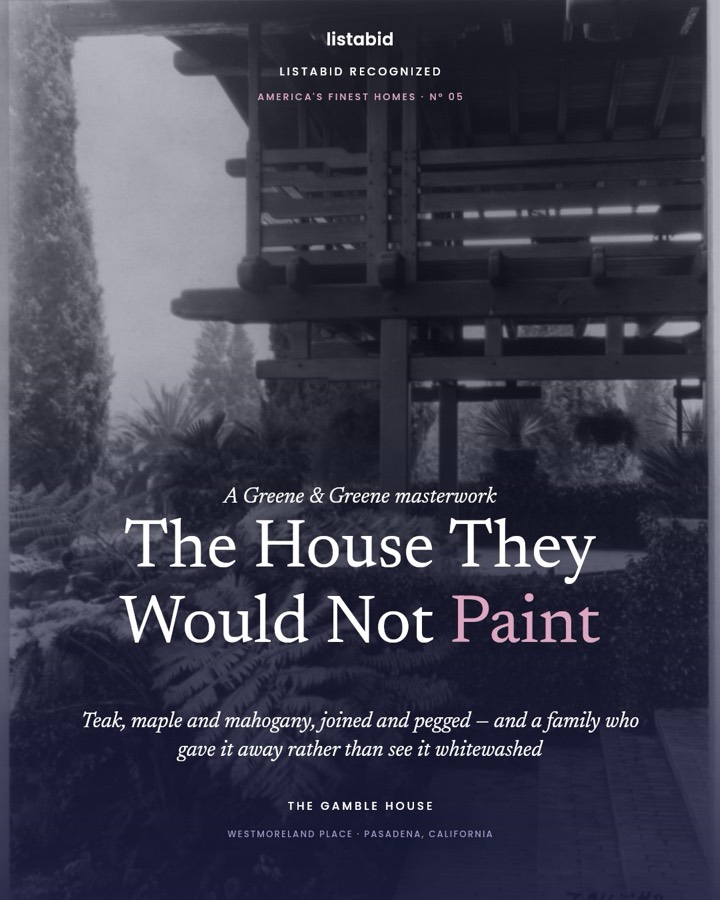

Listabid
A place to buy and sell homes.
AI agents
Your AI agent can work here too.
AI helpers like Claude can make and schedule posts for you, the same way you would. They connect through our MCP server (a plug-in for AI apps). You choose what each key can do. You can turn a key off any time. Every action is logged.
> Look at last week's numbers, then fill next week with our best format.
⏺ postripple · get_engagement_summary
slideshows +212% views vs. video · best time 6–9pm
⏺ postripple · list_videos · schedule_post ×12
✓ 12 posts queued on TikTok, Reels & Shorts
every one logged
Set up with npx @post-ripple/mcp.
On every paid plan.
Pricing
Pick a plan. Start posting today.
Try Starter free for 7 days. No credit card. Every plan works with AI agents.
Starter
For one creator finding a rhythm
Or 2 months free if you pay yearly
- 200 scheduled posts a month
- 15 videos a month from your clips
- 20 AI video credits a month (about 5 clips)
- 100 AI images a month
- 5 connected accounts
- AI agent access
Pro
For serious creators and small teams
Or 2 months free if you pay yearly
- Unlimited scheduled posts
- 75 videos a month from your clips
- 100 AI video credits a month (about 25 clips)
- 300 AI images a month
- AI characters, same face every post
- Remake top posts with your character
- 3 team seats with approvals
Team
For growing teams that need room
Or 2 months free if you pay yearly
- Unlimited scheduled posts
- 250 videos a month from your clips
- 400 AI video credits a month (about 100 clips)
- 1,000 AI images a month
- Unlimited team seats
- Priority help and an onboarding call
Prices in US dollars. Cancel anytime. Checkout is handled by Stripe. Compare every plan
FAQ
Questions people ask
Don't see yours? Email support@postripple.app. A real person will write back.
Is there a free trial?
Yes. Every new account starts with a free 7-day trial of the Starter plan — no credit card needed. Just sign up and start posting. AI video starts when your paid plan does. When the trial ends, pick a plan to keep going.
What can I make with Post Ripple?
Five kinds of short posts from one studio: vertical videos, photo slideshows, AI characters, green-screen memes, and hook + demo videos with music.
Which platforms can I post to?
TikTok, Instagram Reels, YouTube Shorts, X, and LinkedIn — all from one queue, with its own caption for each platform. X and LinkedIn also take text-only and photo posts.
How does the Inspiration page work?
Paste the link to any post and save it. AI breaks down why it works — the hook, the script, and the shots. On Pro and Team, you can also track up to 10 accounts in your niche and see which of their posts are taking off.
Can I remake a post that's already working?
Yes. Open a saved post and you can rebuild it as a new video, rebuild it as a slideshow, or swap the person in the video for one of your AI characters. Remaking is included on Pro and Team.
What's an AI character?
A character you build from a short description, reference photos, or both. Once saved, you can make new images of the same face in any scene. Available on Pro and Team plans.
My posts all share a look. Can I save it?
Yes — that's a brand format. Save your colors, the text that repeats on every post, and your own slide designs. After that, a new post only needs photos and words: the issue numbers, slide counts, and footers fill themselves in. Drag the slides where you want them in the editor, or ask Claude Code to build the post for you through our MCP server. It's on every plan.
Can a team work in the same account?
Yes. Pro and Team include a shared workspace with Owner, Admin, and Member roles. You can also turn on review, so an admin approves each post before it goes out.
How does smart rotation work?
Put clips into a group and set a schedule. Post Ripple posts from the group on its own — no need to schedule each post by hand.
Do I need my own video editor?
No. Pick a template, add a caption, choose music, and the studio makes the file. You can also bring your own clips.
Can AI agents like Claude use Post Ripple?
Yes. Connect once, and your AI assistant can make and schedule posts for you. Our official MCP server (npx @post-ripple/mcp) works with Claude Code, Codex, and any MCP client. You choose what each key can do — posting is off by default — and every action is logged. Included on every paid plan.
Your next post could be the one.
Free for 7 days. No credit card.